Project Details
Learn how to manage your projects, track progress, view milestones, and access all project-related features.
Watch: Project Management Tour
A complete walkthrough of the project details page and all its features.
Project Overview
The project details page is your central hub for managing a project. From here, you can track progress, view milestones, access requirements, monitor activity, and control project execution.
Key Features
- Real-time progress tracking
- Workflow control (start, pause, resume)
- Milestone management
- Requirements documentation
- Activity feed & history
- Project visualization
- Deployment management
- Project settings
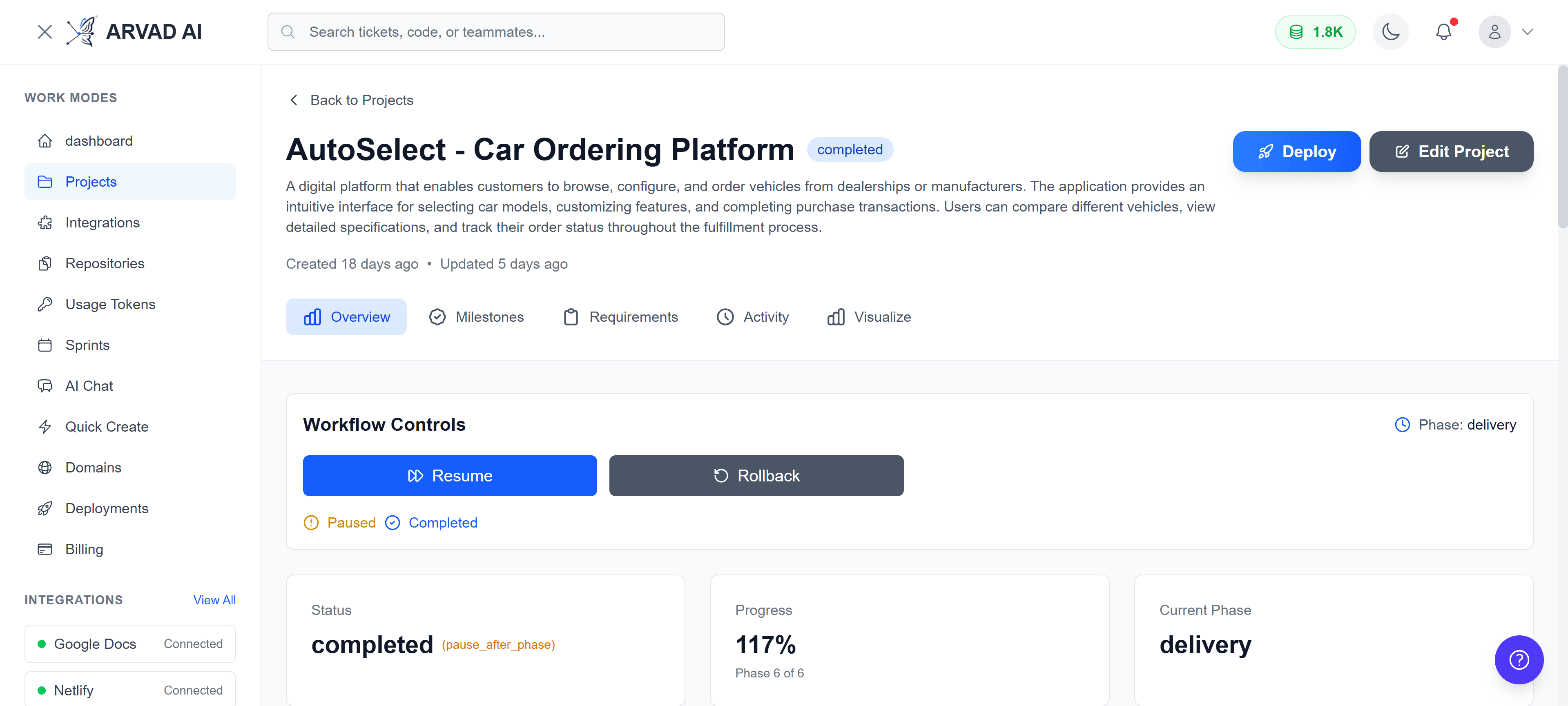
Project details page showing the overview tab with project status and progress
Navigation Tabs
The project details page is organized into tabs for easy navigation:
Overview
See project status, progress stats, workflow controls, recent deployments, and public showcase settings.
Milestones
View and manage project milestones, track completion status, and drill into milestone details.
Requirements
Access project requirements documentation and specifications.
Activity
Real-time activity feed showing all project events, updates, and changes.
Visualize
Interactive visualization of your project hierarchy, milestones, and tasks.
Milestones Tab
The Milestones tab displays all project milestones with their status and progress. Click on any milestone to view its details, including associated tasks and completion status.
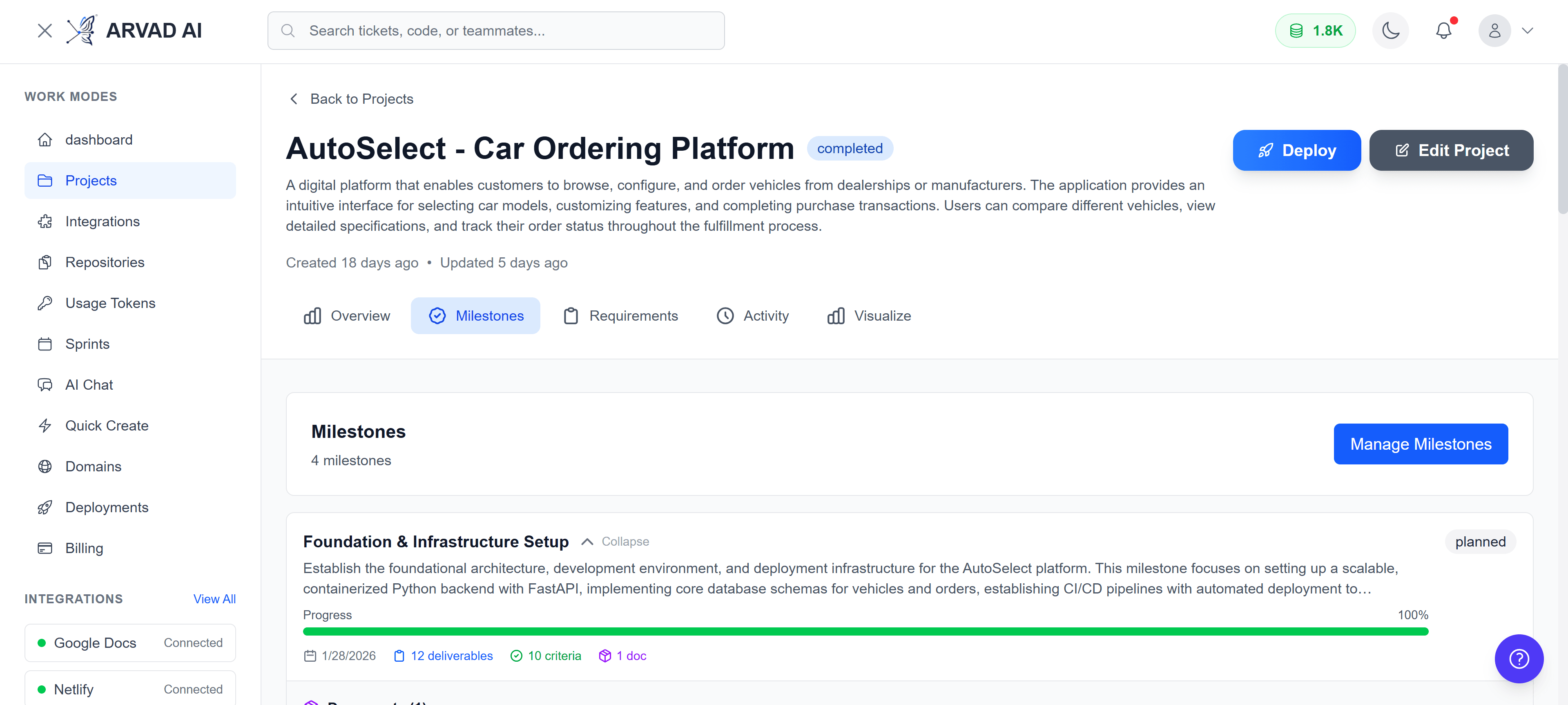
Milestones tab showing all project milestones with progress indicators
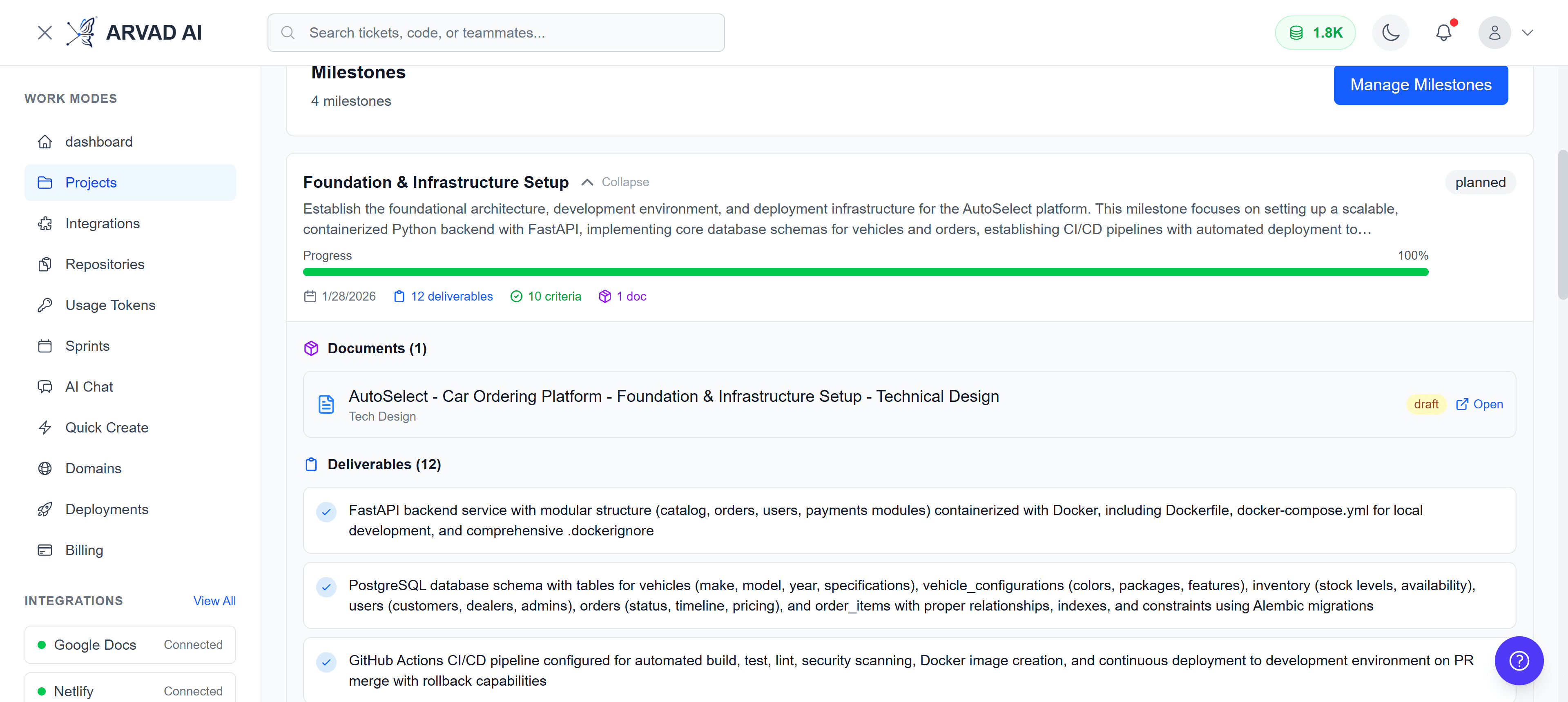
Milestone details showing tasks, descriptions, and completion status
Requirements Tab
The Requirements tab provides access to all project requirements and specifications. This is where you can review the original requirements that were used to generate the project plan.
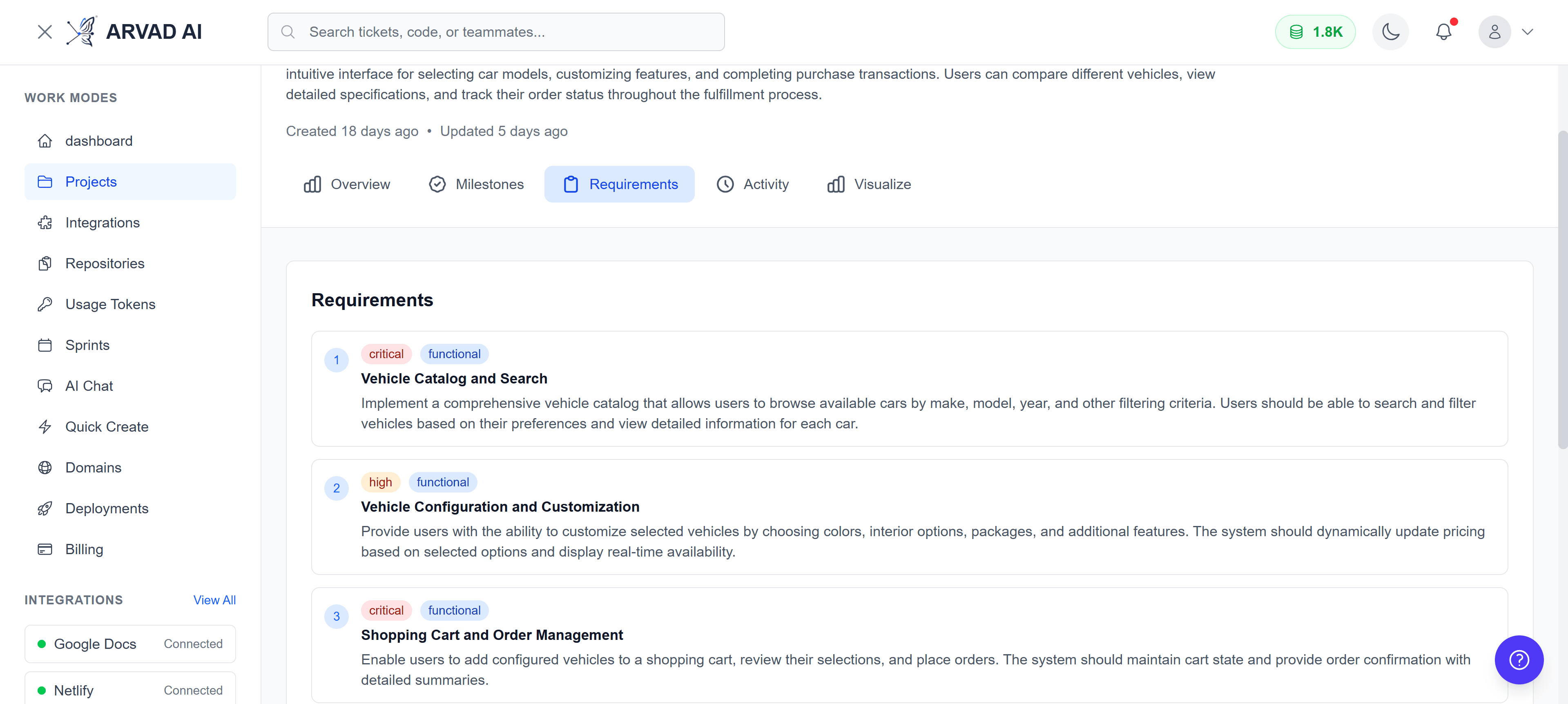
Requirements tab displaying project specifications and documentation
Activity Feed
The Activity tab shows a real-time feed of all project events. This includes workflow updates, phase transitions, task completions, and more. The feed updates automatically via WebSocket connections.
Activity Types
- Project started, paused, or resumed
- Phase transitions and completions
- Milestone and task updates
- Deployment notifications
- System events and errors
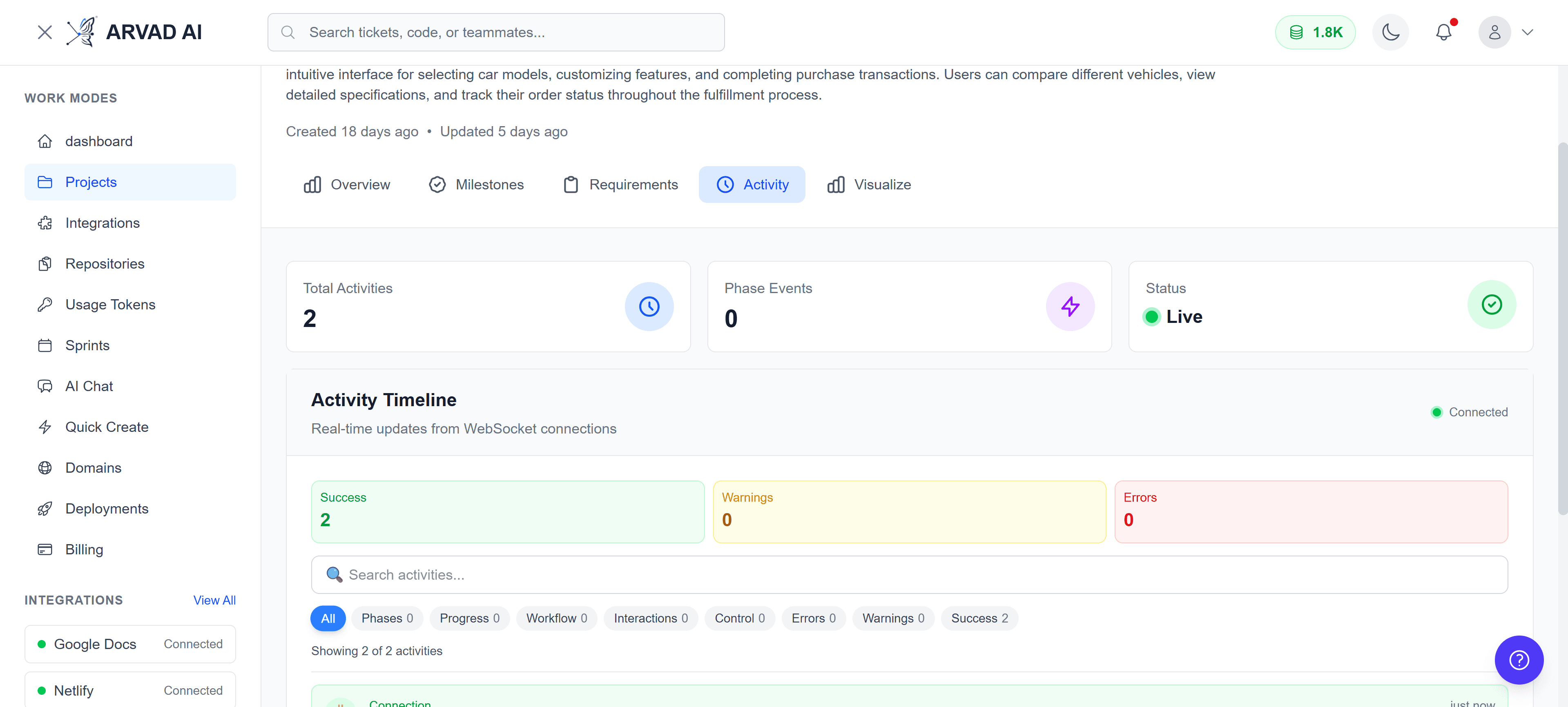
Real-time activity feed showing project events and updates
Project Visualization
The Visualize tab provides an interactive tree view of your entire project hierarchy. Navigate through milestones, tasks, and subtasks with an intuitive drag-and-zoom interface.
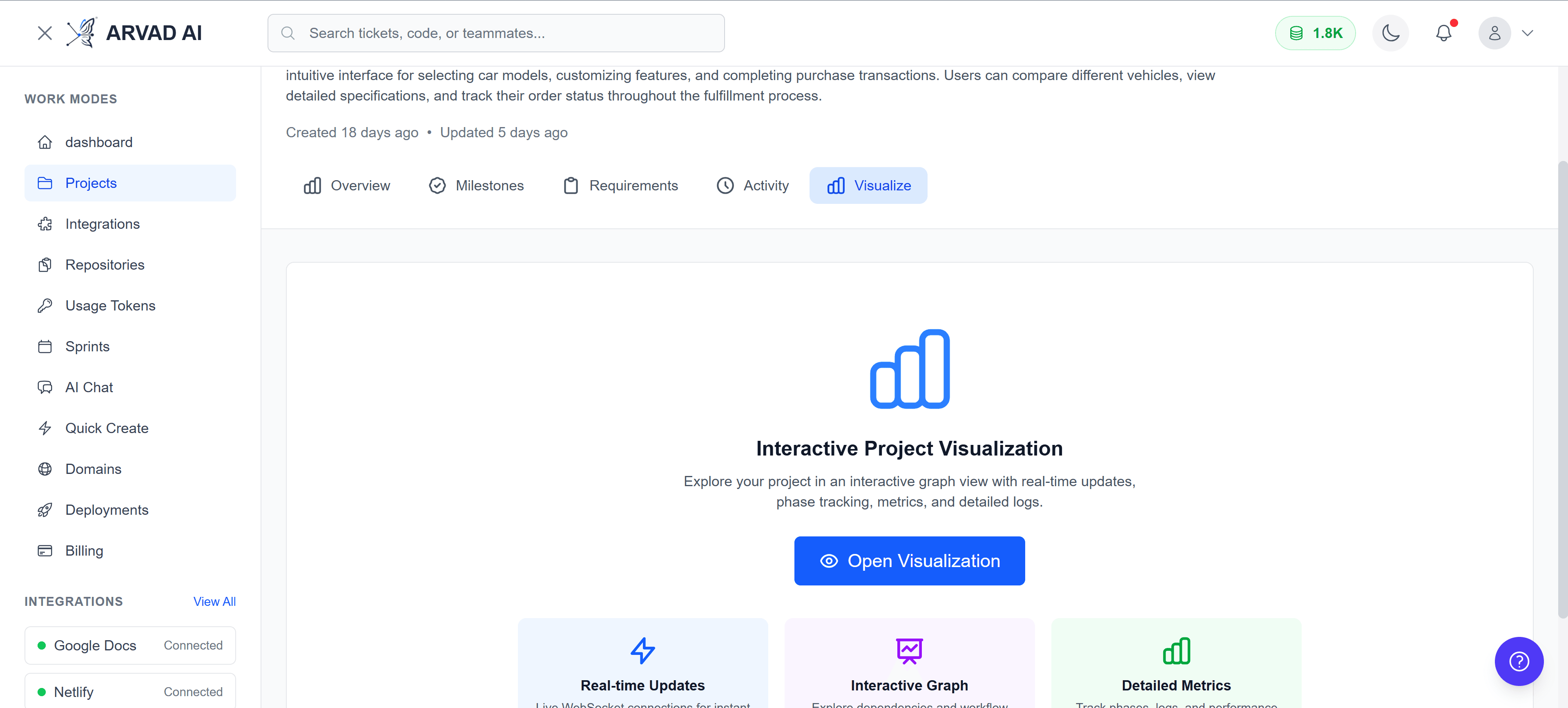
Interactive project visualization showing the complete task hierarchy
Workflow Phases
Arvad projects go through several phases during execution. You can track which phases have been completed and see the current phase progress.
Project Phases
Decomposition
Breaking down requirements into milestones and tasks
Planning
Creating execution plans and timelines
Development
Active development and implementation
Testing
Quality assurance and validation
Delivery
Deployment and release preparation
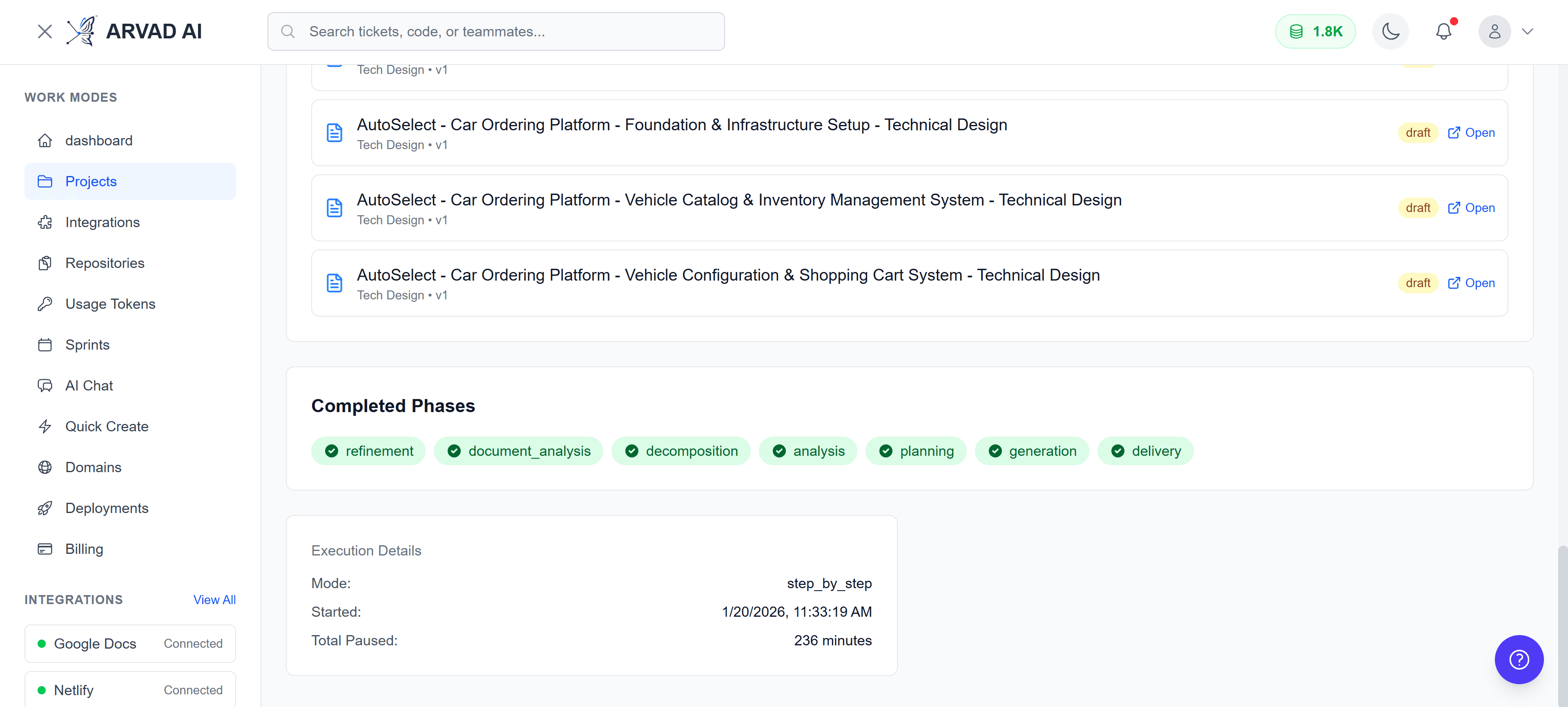
Project overview showing completed phases and current progress
Project Documents
Access all documents associated with your project, including requirements documents, specifications, and generated artifacts.
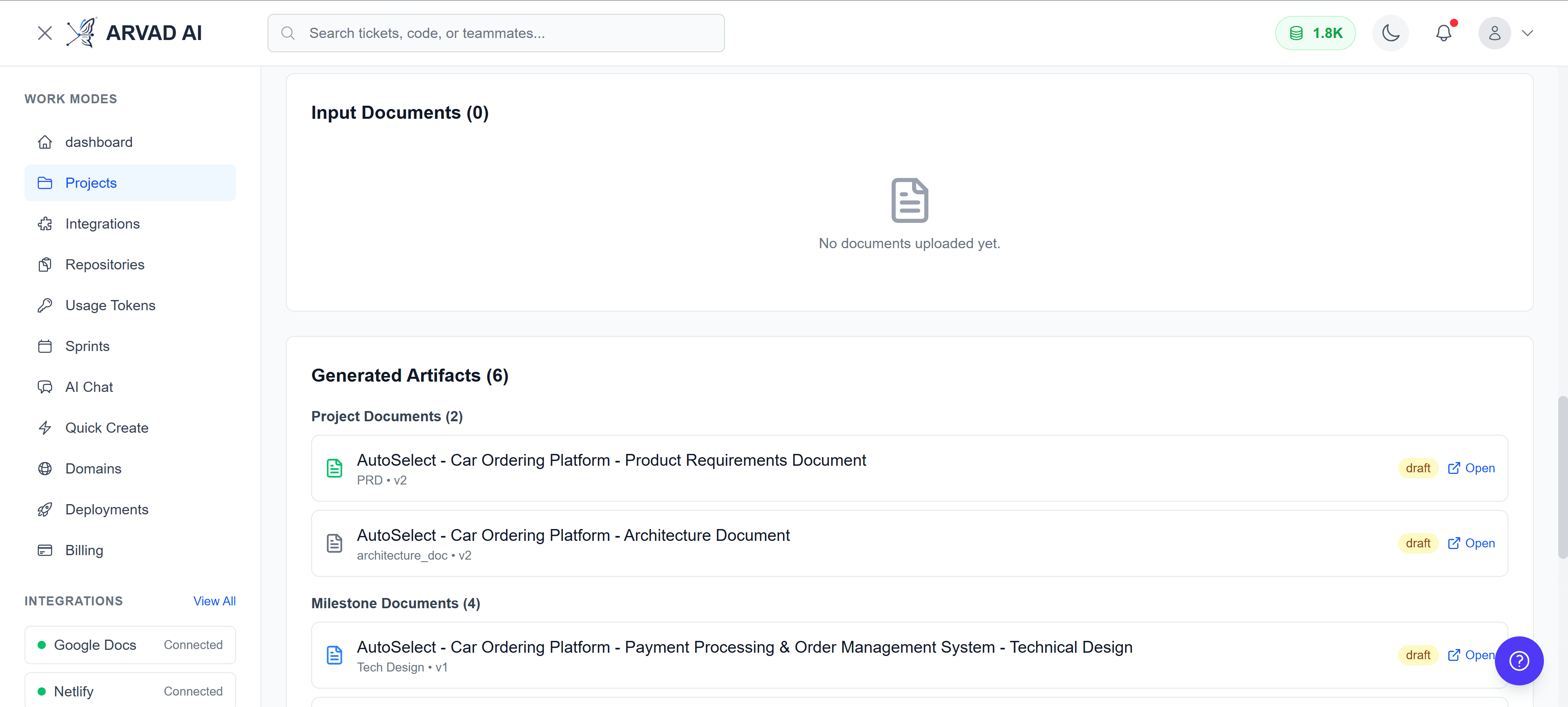
Project documents section showing associated files and artifacts
Deployments & Public Showcase
From the project overview, you can view recent deployments and toggle public showcase visibility. Projects marked for showcase appear in the public portfolio.
Features
- View recent deployment history
- Check deployment status (success, failed, in progress)
- Toggle public showcase visibility
- Quick deploy button for new deployments
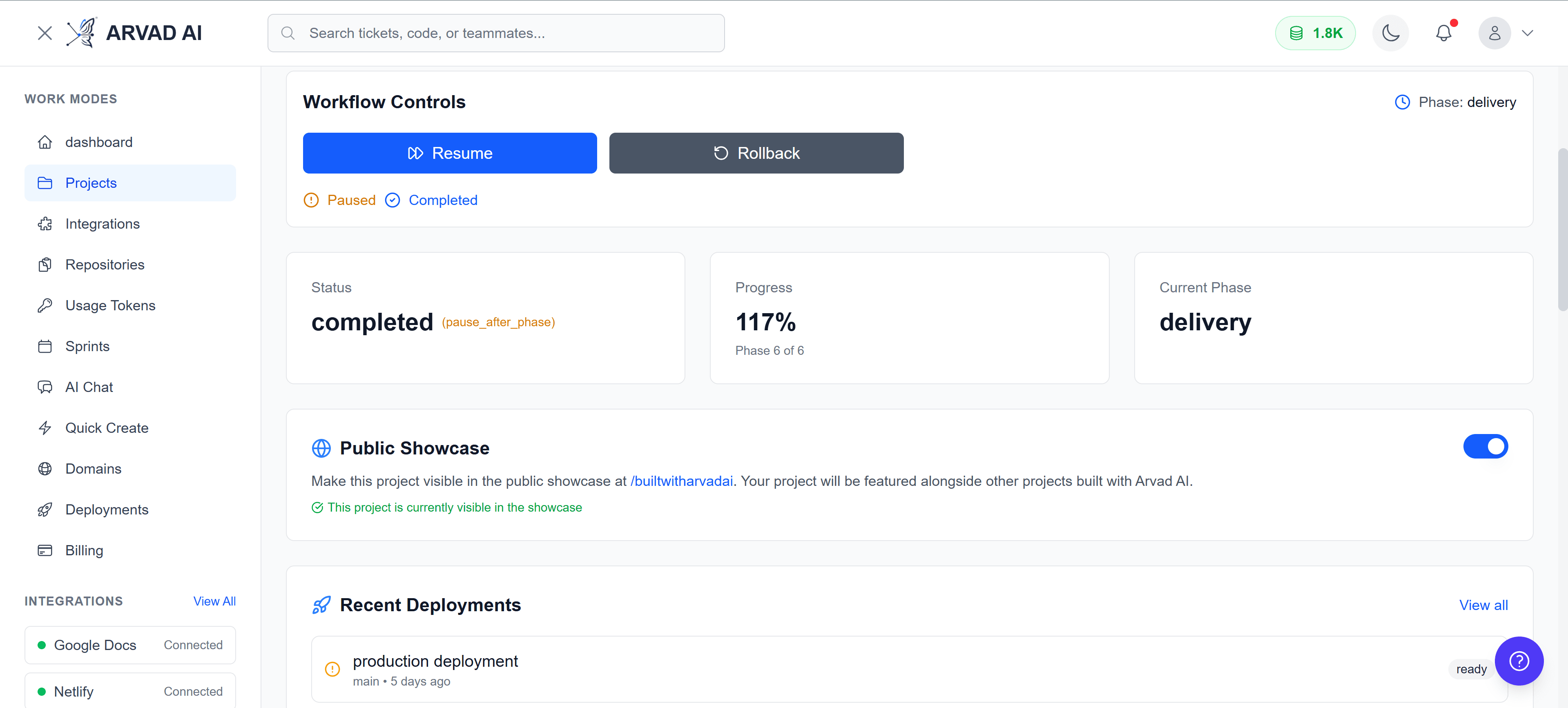
Deployments section with public showcase toggle
Project Settings
Click the "Edit Project" button to access project settings. Here you can update project name, description, and configure other options.
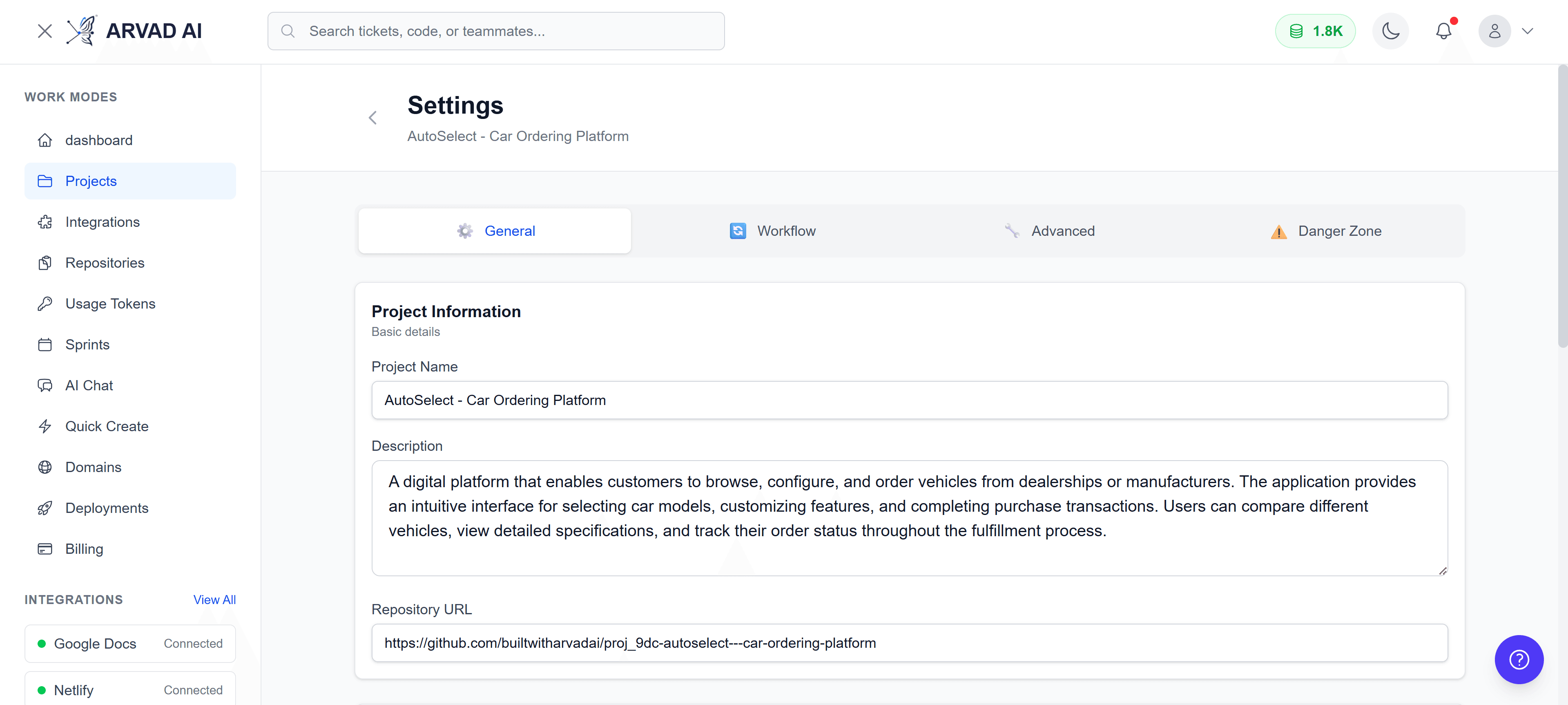
Project settings page for configuring project options