Deployments
Deploy your applications to production with confidence. Learn about our deployment options and best practices.
Watch: Deployment Deep Dive
A comprehensive walkthrough of Arvad's deployment features including environment variables, rollbacks, and monitoring.
Deployment Overview
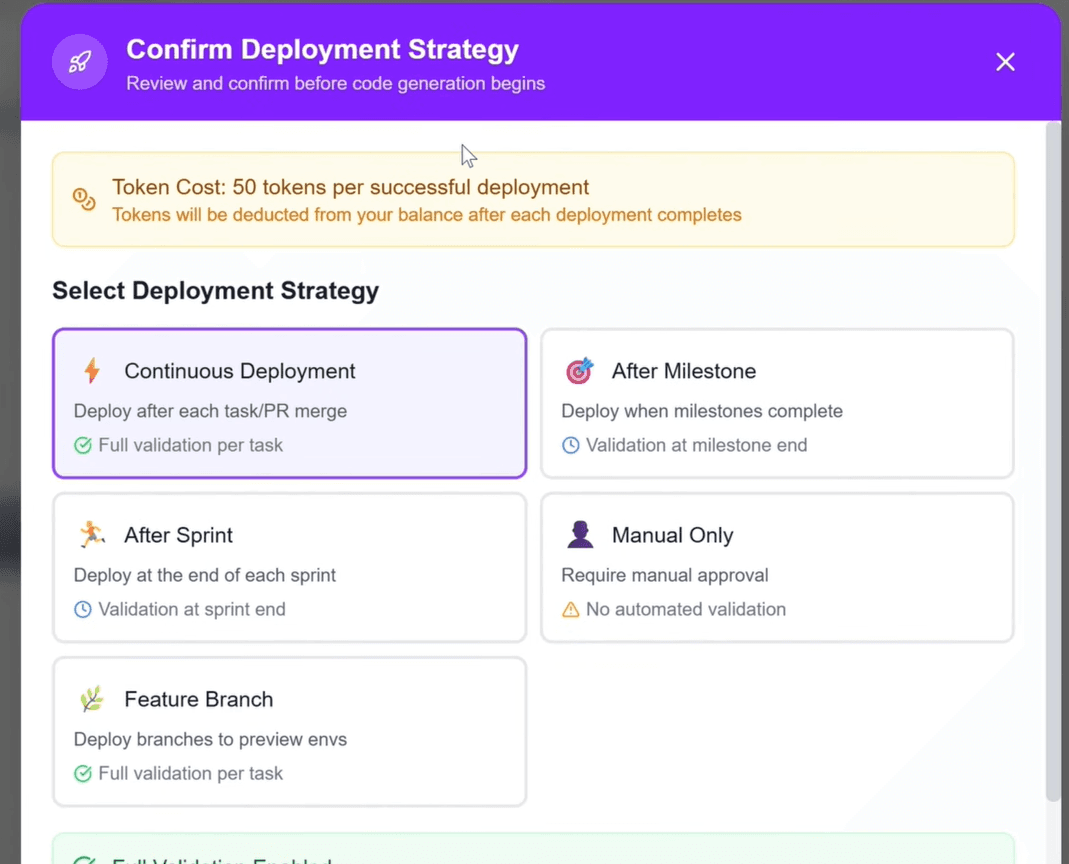
Arvad supports multiple hosting providers, giving you flexibility to deploy where it makes sense for your project.
Supported Providers
Vercel
AvailableOptimized for Next.js and React
Netlify
AvailableGreat for static sites and JAMstack
Railway
AvailableFull-stack apps with databases
Render
AvailableWeb services and static sites
Fly.io
AvailableGlobal edge deployment
AWS
AvailableEnterprise-grade infrastructure
Environment Variables
Securely manage environment variables for different deployment environments. Variables are encrypted at rest and in transit.
Environment Types
Adding Variables
# Example .env file
DATABASE_URL=postgresql://user:pass@host:5432/db
API_KEY=your-api-key-here
NEXT_PUBLIC_APP_URL=https://your-app.com
Rollbacks & Versioning
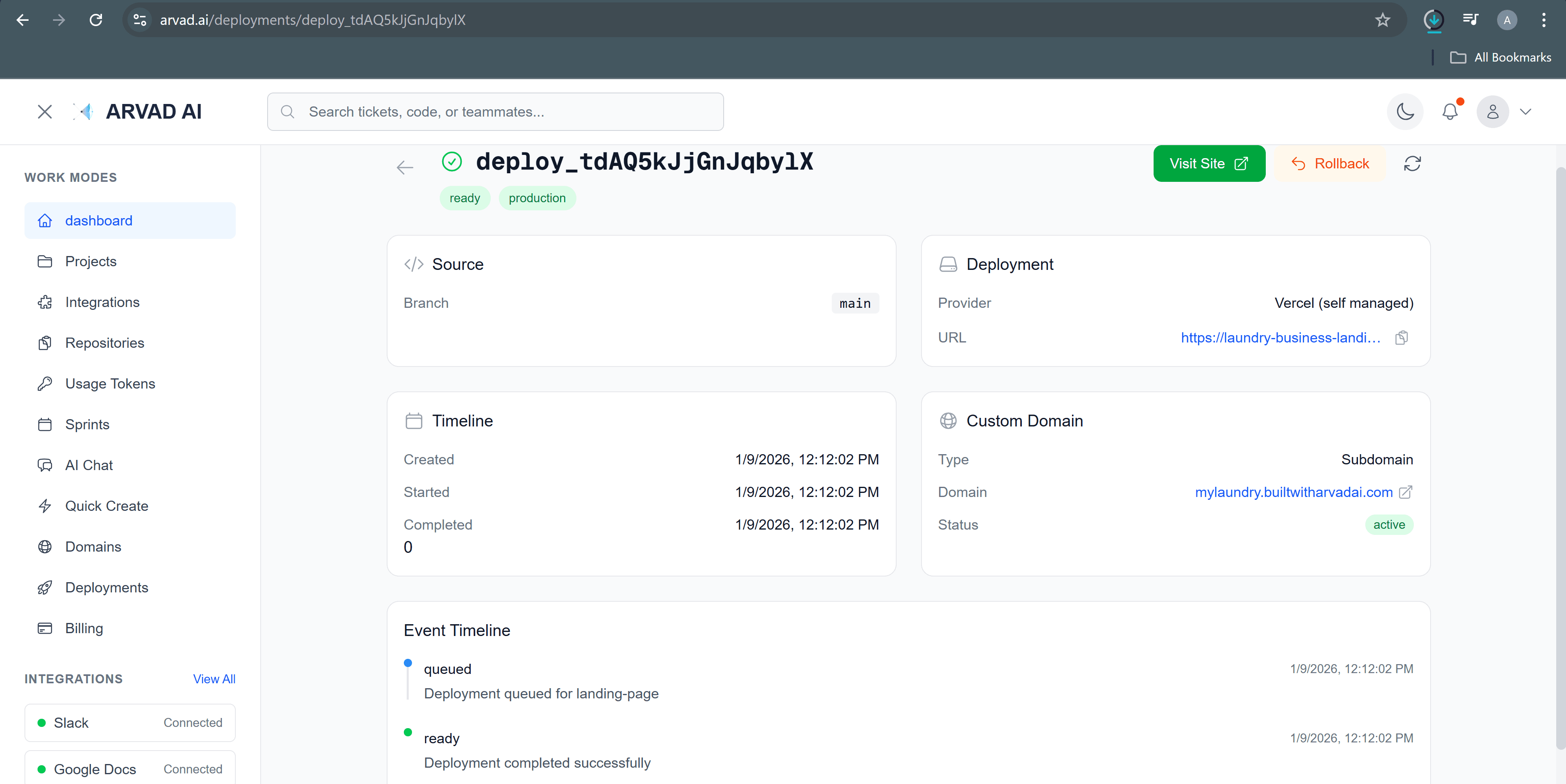
Every deployment is versioned, allowing you to instantly rollback to any previous version if needed.
How to Rollback
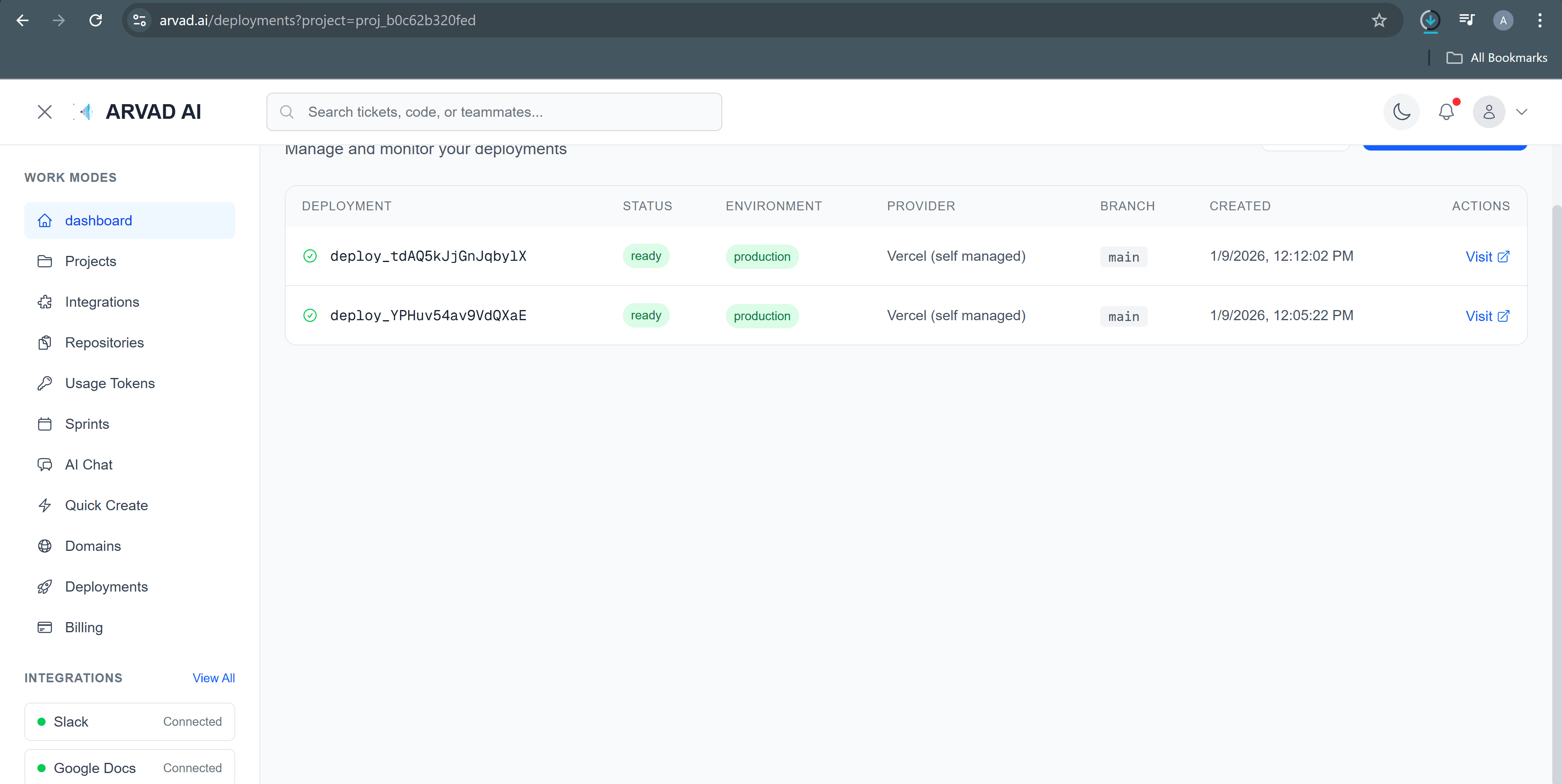
- Navigate to your project's Deployments page
- Find the deployment you want to restore
- Click the "..." menu and select "Rollback"
- Confirm the rollback action
Note: Rollbacks are instant and don't trigger a new build. Your application will be restored to the exact state of the selected deployment.