Models & Migrations
ORM models with relationships, indexes, and migrations.
Django patterns applied on generate, not as a prompt tip
For Python and full-stack engineers
Describe the app. Get models, views, templates, admin, and REST API in a project you can deploy from the same workspace.
Django path
The web framework for perfectionists with deadlines
Django from idea to live
The category
Describe a Django app and keep plan, tests, preview, and cost in one workspace. The framework is how you ship, not a separate product.
Django conventions applied during generate, not as prompt tips
Plan and tests versioned in the same workspace
Preview URL written back to the build
Evidence cites files before you share the build
Idea to production-shaped Django in one workspace: scaffold, test, and ship without losing the build record.
Idea to production-shaped Django in one workspace: scaffold, test, and ship without losing the build record.
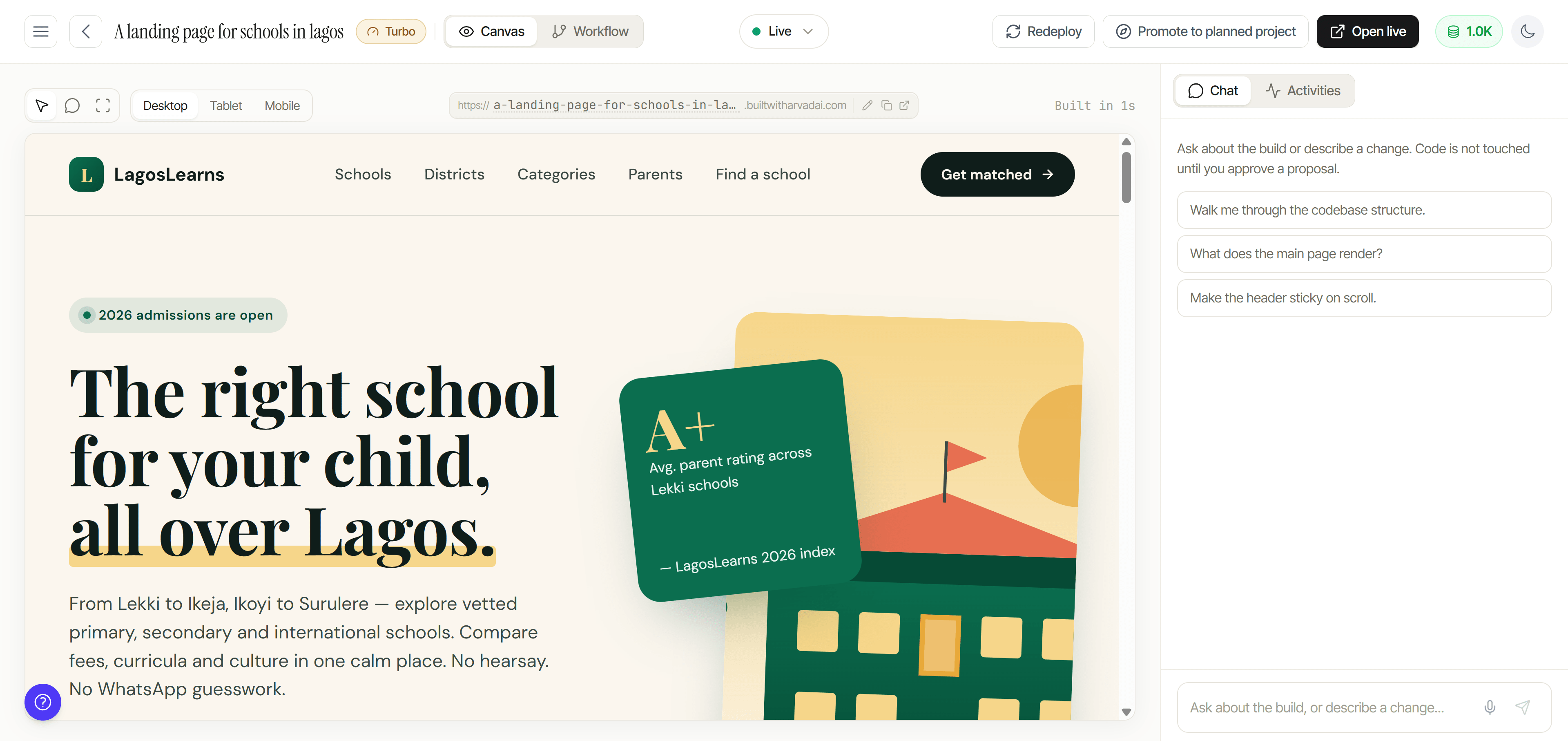
Models, features, and user flows.
Step 1 stays on the same build record
Database, caching, and settings for dev and production.
Step 2 stays on the same build record
Models, views, templates, API, and admin on the same build.
Step 3 stays on the same build record
Patterns and proof, not vibes.
ORM models with relationships, indexes, and migrations.
Django patterns applied on generate, not as a prompt tip
CSRF, XSS, and SQL injection protections from Django defaults.
Django patterns applied on generate, not as a prompt tip
Admin with filters, search, and custom actions.
Django patterns applied on generate, not as a prompt tip
DRF serializers, viewsets, and authentication.
Django patterns applied on generate, not as a prompt tip
Class-based views with template inheritance and forms.
Django patterns applied on generate, not as a prompt tip
Django TestCase and pytest-django for models, views, and API.
Django patterns applied on generate, not as a prompt tip
Celery for email, processing, and scheduled jobs.
Django patterns applied on generate, not as a prompt tip
Gunicorn, Nginx, and Docker for common hosts.
Django patterns applied on generate, not as a prompt tip
Solo or team. Upgrade when usage grows.
Compare plansPick the plan that matches how you build. | FreeStart free | StarterChoose plan | ProfessionalChoose plan | EnterpriseChoose plan |
|---|---|---|---|---|
| Credits included | 120 credits included | 240 credits Included | 500 credits Included | |
| Projects per week | 1 mini project | 2 mini projects | 4 mini + 2 medium projects | |
| Documentation access | Essential | Standard | Full | |
| Planning & task breakdown | ||||
| Dependency resolution | ||||
| Queue-based processing | ||||
| Daily questions | Limited | Up to 10 / per day | Up to 25 / per day | |
| Upgrade options | ---- | Large projects | Large-scale projects | |
| Price | $0.0 | $25 | $50 |
Limits stated plainly. No demo theater.
One question
If you cannot, you still have a chat log. Arvad keeps that work in one workspace.
Plan, build, test, and deploy Django in the same place. Start free.
Keep exploring