Integrations
Connect Arvad with your favorite tools and services to streamline your workflow.
Watch: Setting Up Integrations
Learn how to connect GitHub, Vercel, and Slack to automate your deployment pipeline.
GitHub Integration
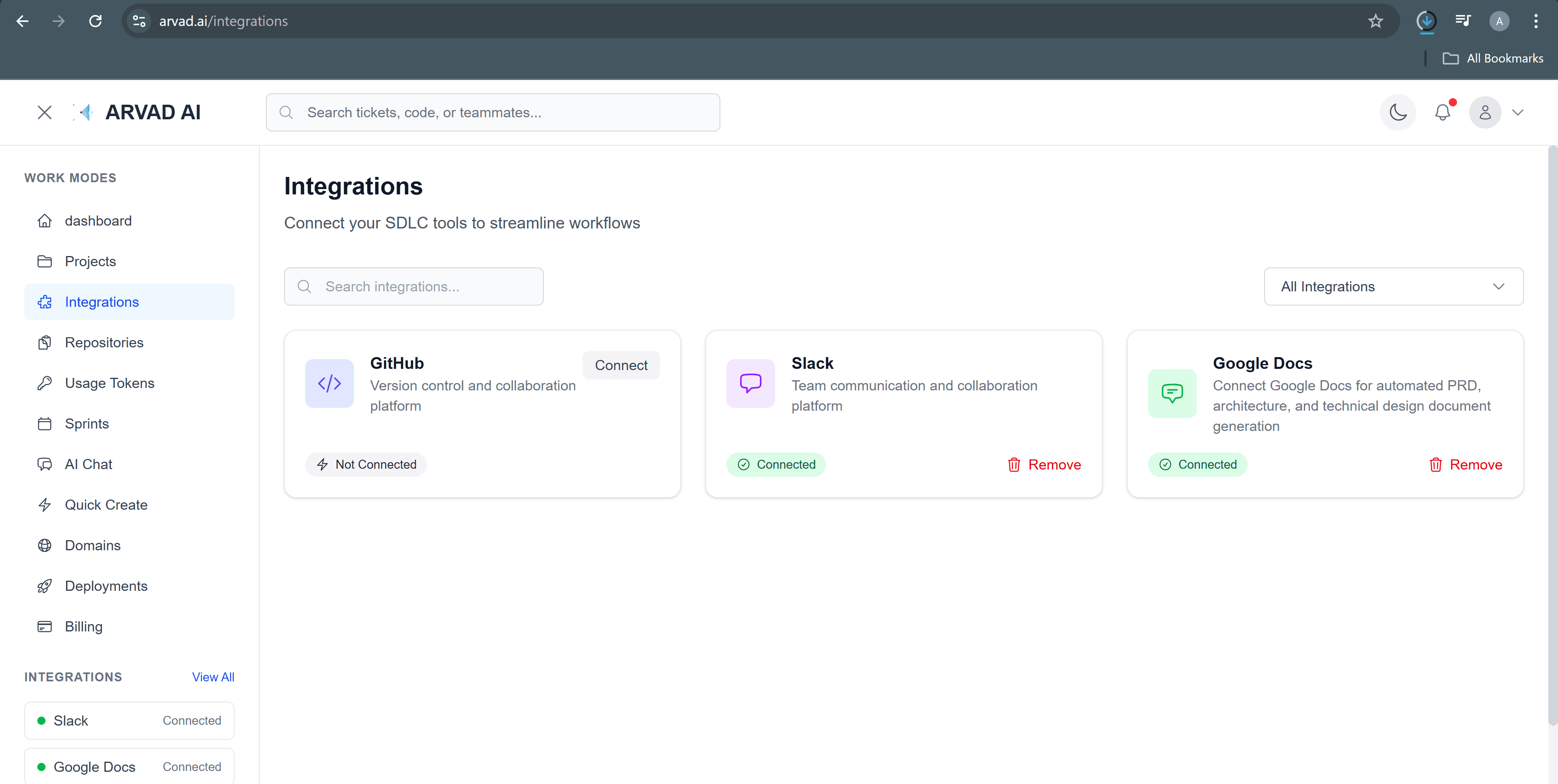
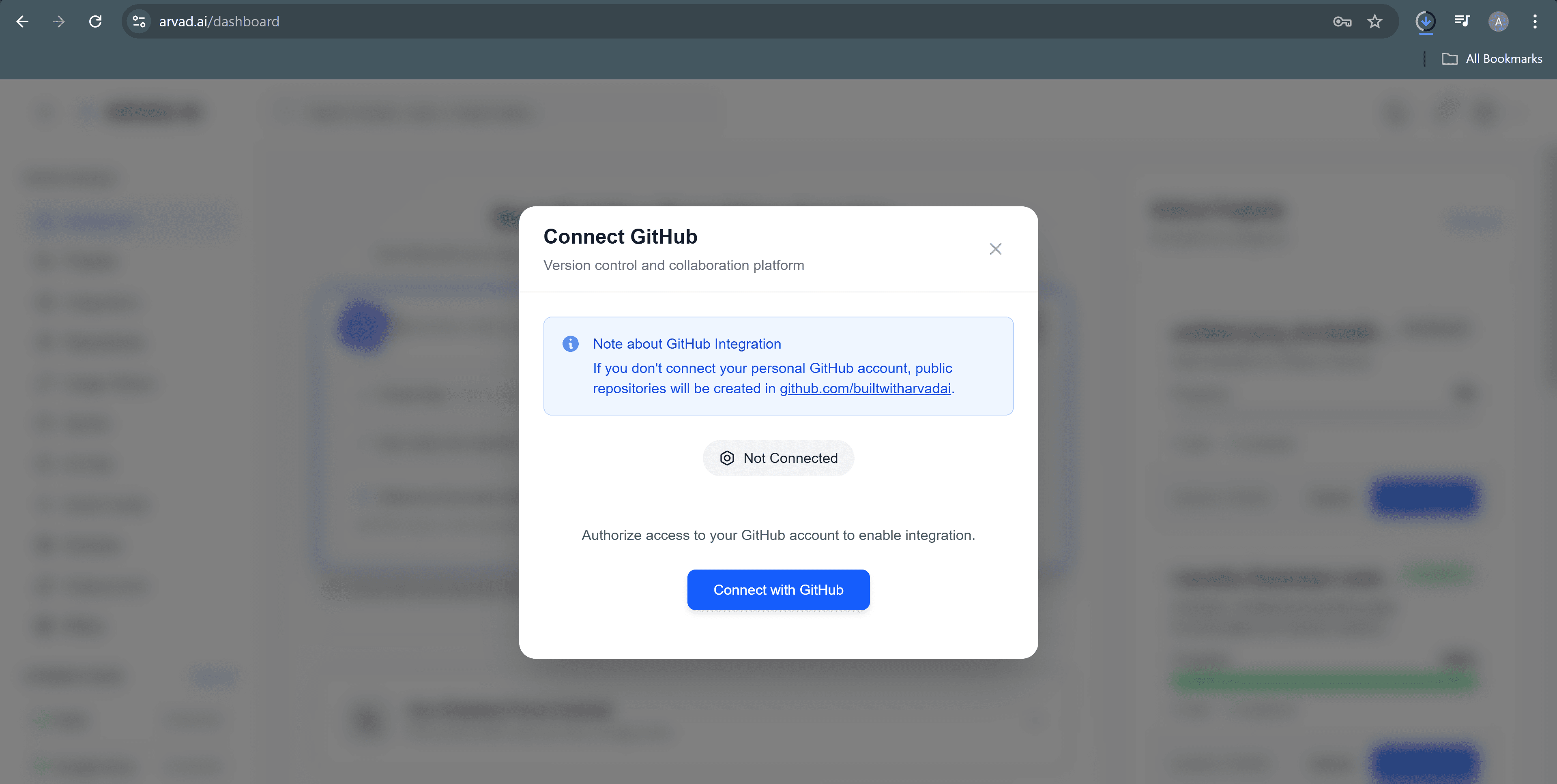
GitHub integration is the foundation of Arvad's deployment workflow. Connect your GitHub account to enable automatic deployments, pull request previews, and repository synchronization.
How to Connect
- Go to Settings → Integrations
- Click "Connect GitHub"
- Authorize Arvad in the GitHub OAuth popup
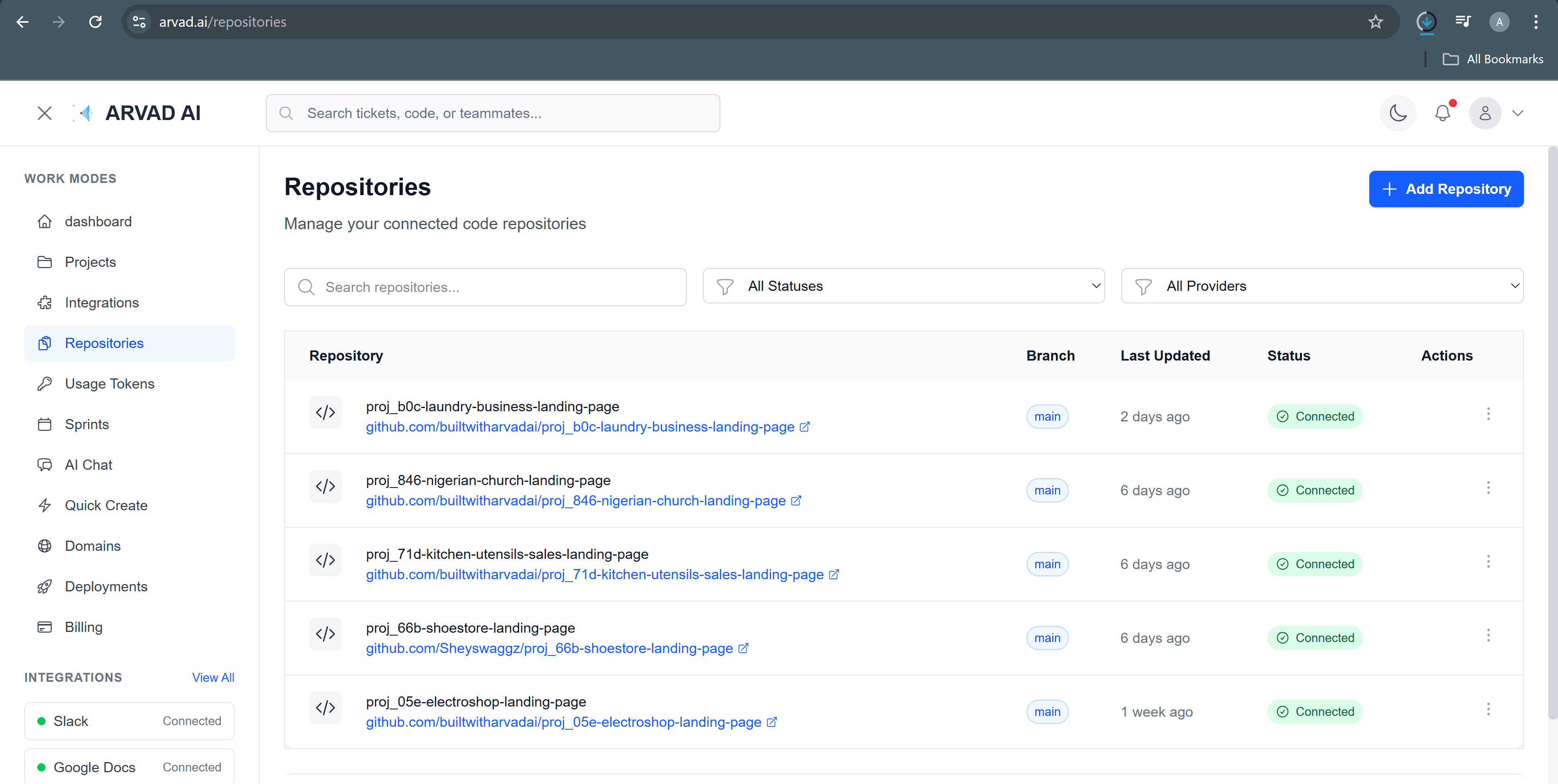
- Select which repositories to grant access to
Features
- Auto-deploy on push
- PR preview deployments
- Branch environments
- Commit status checks
- Webhook notifications
- Private repo support
Vercel Deployment
Deploy your frontend applications to Vercel's global edge network for optimal performance and zero-config deployments.
Supported Frameworks
- • Next.js
- • React
- • Vue.js
- • Nuxt.js
- • SvelteKit
Features
- • Automatic HTTPS
- • Global CDN
- • Edge Functions
- • Analytics
- • Custom domains
Netlify Deployment
Build and deploy your sites with Netlify's powerful platform, featuring serverless functions, form handling, and more.
Connection Steps
- Navigate to Settings → Integrations
- Click "Connect Netlify"
- Complete OAuth authorization
- Select your Netlify team and sites
Slack Notifications
Stay informed about your deployments with real-time Slack notifications. Get alerts for successful deployments, failures, and more.
Notification Types
Deployment Started
When a new deployment begins
Deployment Success
When deployment completes successfully
Deployment Failed
When a deployment encounters an error
PR Preview Ready
When a preview URL is available