Domain Management
Register and manage custom domains for your deployments with automatic SSL.
Watch: Domain Setup Guide
Learn how to register a domain, configure DNS, and set up SSL certificates for your deployments.
Domain Registration
Register new domains directly through Arvad or connect existing domains from other registrars. We partner with Name.com to provide competitive pricing and seamless integration.
How to Register a Domain
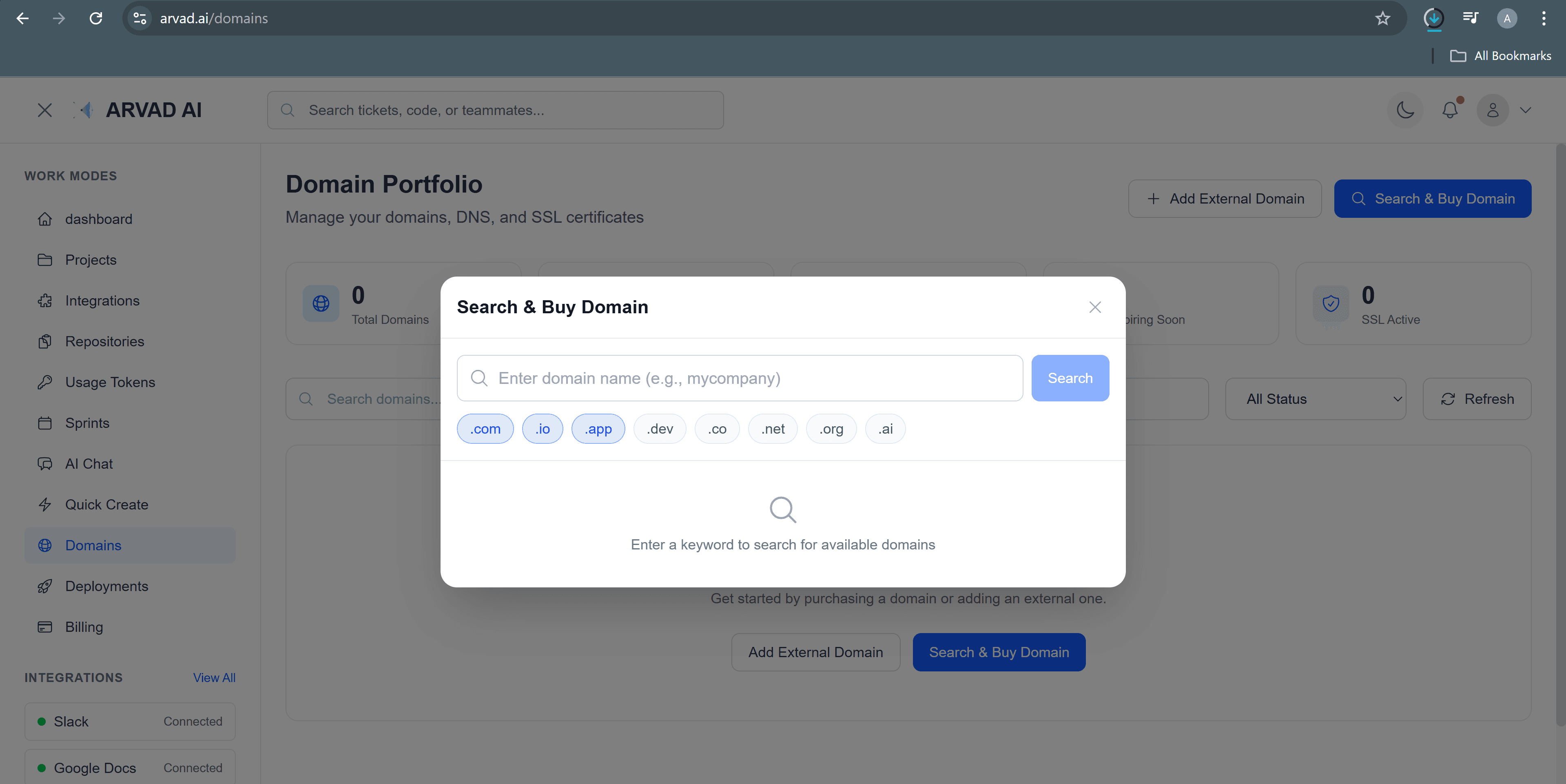
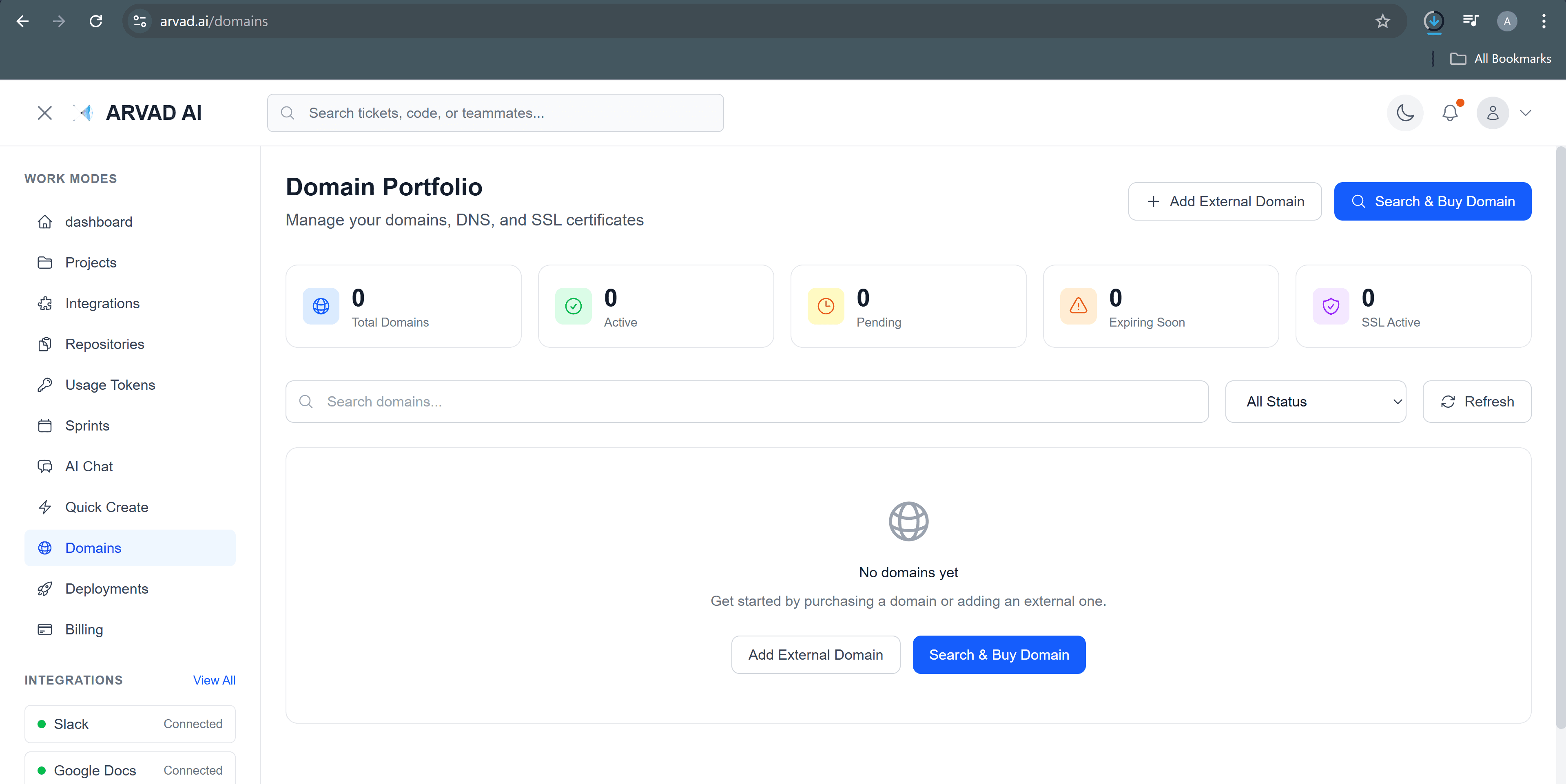
- Navigate to Domains in the sidebar
- Click "Register New Domain"
- Search for your desired domain name
- Select the TLD (.com, .io, .dev, etc.)
- Complete the registration with payment
Tip: Domain pricing varies by TLD. Check availability and pricing before committing.
DNS Configuration
Configure DNS records to point your domain to your Arvad deployment. We support both automatic and manual configuration.
Required DNS Records
| Type | Name | Value |
|---|---|---|
| A | @ | 76.76.21.21 |
| CNAME | www | cname.arvad.ai |
Connecting External Domains
If you have a domain from another registrar (GoDaddy, Namecheap, etc.), update your DNS settings there with the records shown above.
SSL Certificates
All domains connected to Arvad receive free automatic SSL certificates. Certificates are issued by Let's Encrypt and auto-renew before expiration.
✓ Automatic
Certificates are automatically provisioned when you add a domain
✓ Free
No additional cost for SSL certificates
✓ Auto-renew
Certificates renew automatically before expiration
✓ Wildcard Support
Secure all subdomains with wildcard certificates