Organization Management
Collaborate with your team by creating organizations, inviting members, and managing roles and permissions.
Overview
Organizations in Arvad allow you to group team members together, share projects, and manage access controls. Whether you're a solo developer with collaborators or an enterprise team, organizations help you work together efficiently.
Key Features
Team Collaboration
Invite team members and work on projects together
Role-Based Access
Assign roles like Owner, Admin, or Member to control permissions
Shared Resources
Share projects, integrations, and deployments across the team
Centralized Billing
Manage billing and subscriptions at the organization level
Managing Members
The Members tab shows all current members of your organization. Here you can view member details, their roles, and manage their access.
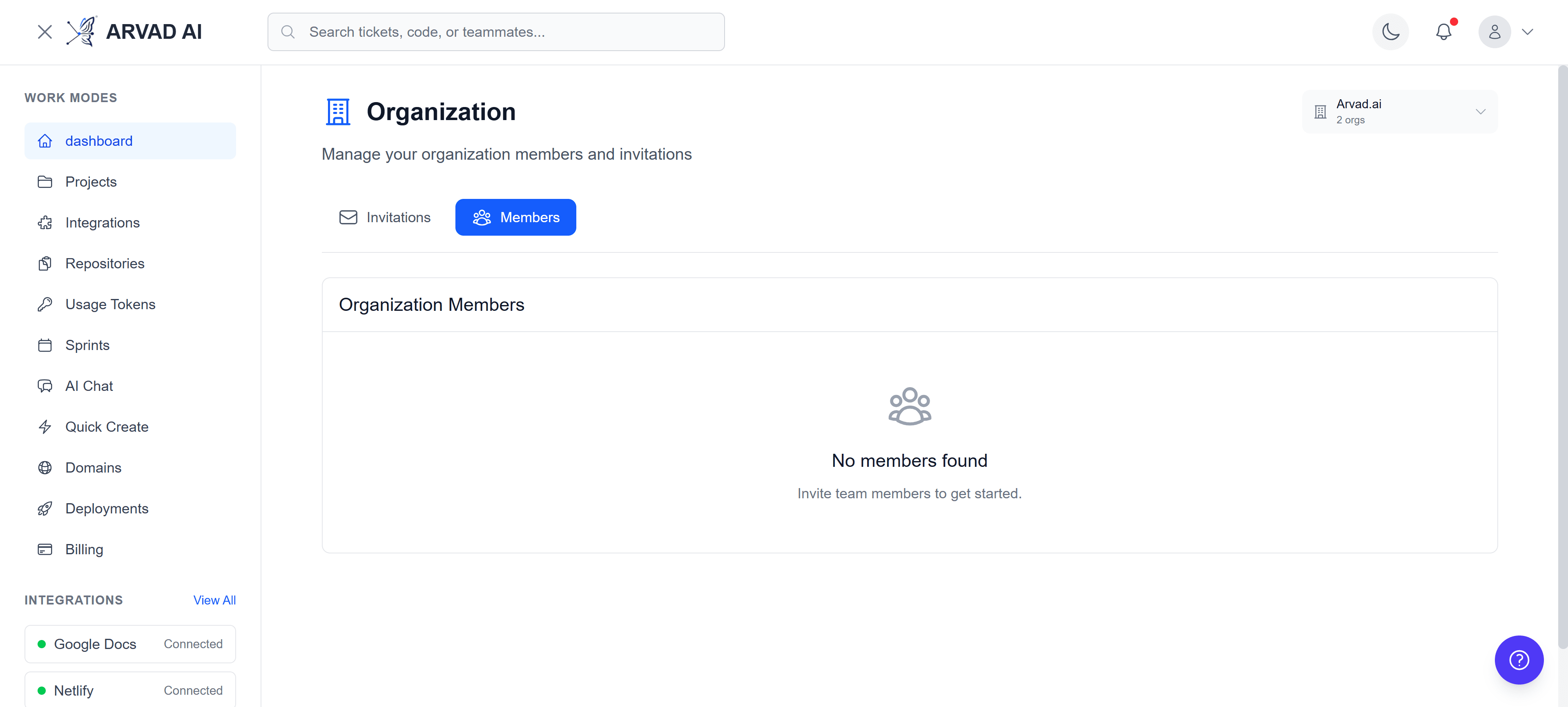
View and manage all organization members
Member Roles
Owner
Full control over the organization, including billing and deletion.
Admin
Manage organization settings, members, and projects.
Manager
Manage projects and team members.
Developer
Work on projects and create new ones.
Viewer
View projects and dashboards (read-only).
Inviting New Members
Invite new team members by email. They'll receive an invitation link to join your organization.
How to Invite
- Navigate to your Organization page
- Click the "Invite Member" button
- Enter the email address of the person you want to invite
- Select the role you want to assign (Admin or Member)
- Click "Send Invitation"
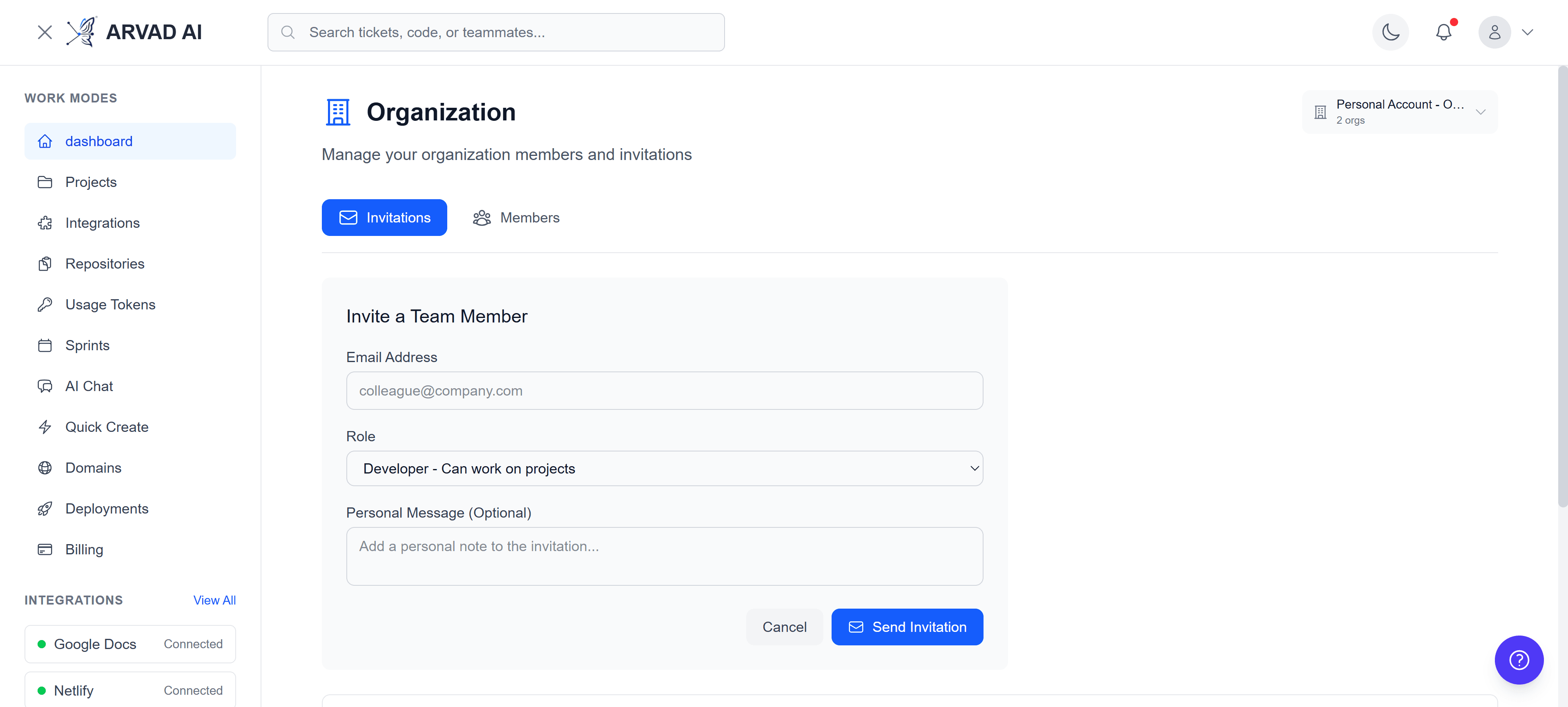
Invite new members with customizable roles
Pro Tip
Invitations expire after 7 days. If the invite expires, you can resend it from the Invitations tab.
Pending Invitations
Track all pending invitations in the Invitations tab. You can resend invitations or cancel them if needed.
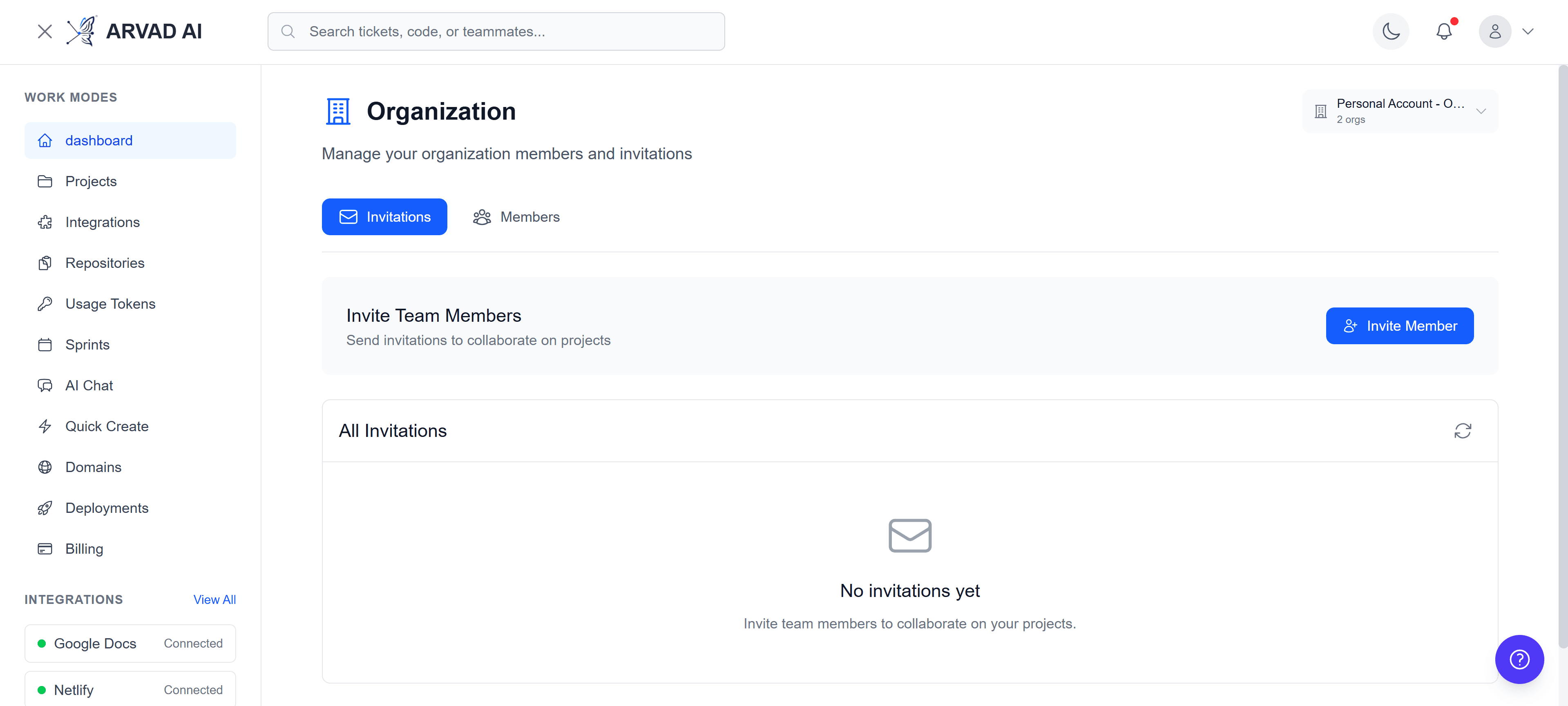
View and manage pending invitations
Invitation Actions
Resend Invitation
Send a new invitation email to the recipient
Cancel Invitation
Revoke the invitation before it's accepted
Copy Link
Copy the invitation link to share manually
Change Role
Modify the assigned role before acceptance
💡 Best Practices
- ✓Limit the number of Owners to maintain clear accountability
- ✓Use the Admin role for team leads who need to manage projects
- ✓Regularly review and remove inactive members
- ✓Set up organization-level integrations to share across all projects
- ✓Use descriptive organization names that reflect your team or company