Demo path first
Scope cuts to what you can show today.
Out-of-scope items stay parked on the project
For startup founders
Plan, preview, and checks in one shareable workspace.
The category
Hours is the target, not a guarantee. Your MVP keeps its plan, tests, preview URL, and cost in one workspace you can send to investors or customers.
Scope gate cuts to the demo path before build
Tests and cited files land in the share view
Preview URL and cost written back to the project
Investor share is one link, not a rebuilt deck
From ask to preview in one workspace: scope, build, check, and share without losing the plot between sessions.
From ask to preview in one workspace: scope, build, check, and share without losing the plot between sessions.
Cut to the demo path. Clarifying questions before build.
Scope gate before first build
Evidence for this run
3 services · 11 files · 0 shared schemas
Checks green. Staging URL live. Spend recorded on the same thread.
Code for the thinnest valuable path. Out-of-scope items stay parked on the project.
Cited files listed on the evidence panel
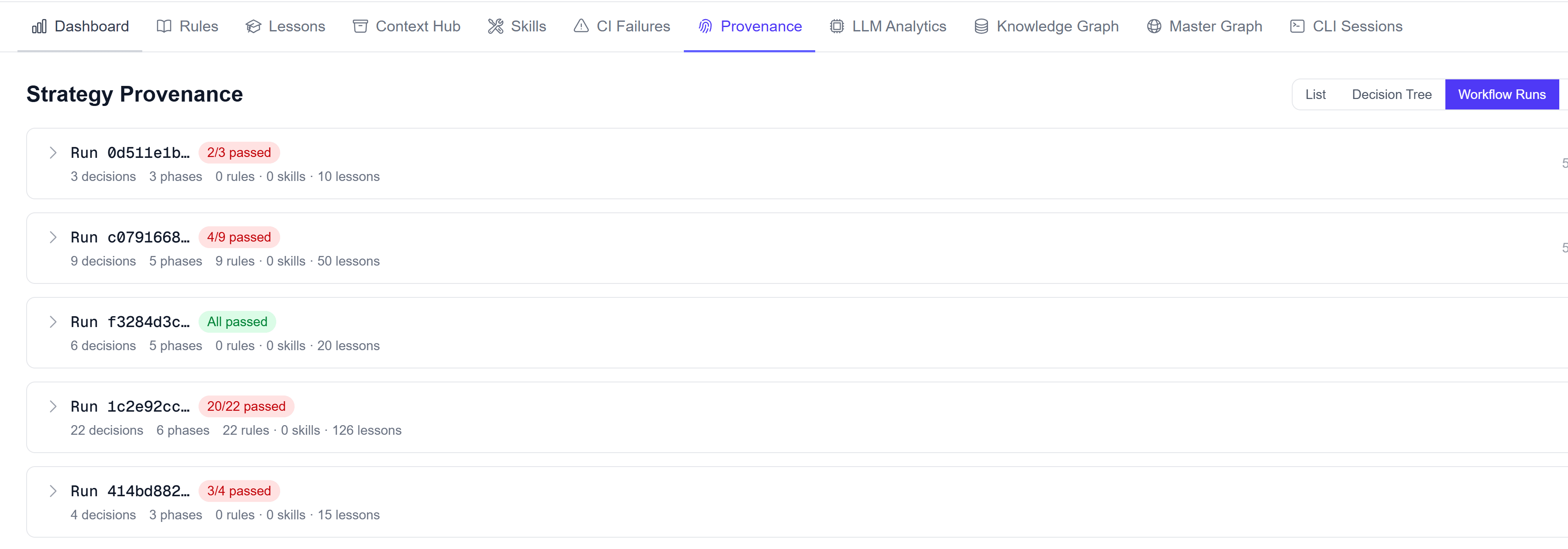
Coverage travels with the same run so the preview link includes green checks, not just a URL.
Suite status visible before you share
Mechanisms that keep a same-day MVP from becoming a dead demo.
Scope cuts to what you can show today.
Out-of-scope items stay parked on the project
You see where the clock went.
Cost and duration recorded per run
PRD stays attached when the demo starts.
Plan versioned with the project
Checks travel with the preview.
Share view before you forward to investors
Preview without a second toolchain.
Deploy record on the same project
Next pass starts from prior decisions.
History is the project, not chat
Run cost sits beside the preview URL.
Cost line on the share view
Feedback edits the same project.
Customer notes linked to the MVP run
Arvad sits where the thread keeps the plan, staging, spend, and checks.
| Capability | Typical MVP path | Arvad |
|---|---|---|
| Time to staging | Weeks to months | Same-day target |
| Shareable proof | ||
| Spec + code linked | Separate tools | One workspace |
| Tests with the demo | Maybe later | On the share link |
Solo or team. Upgrade when usage grows.
Compare plansPick the plan that matches how you build. | FreeStart free | StarterChoose plan | ProfessionalChoose plan | EnterpriseChoose plan |
|---|---|---|---|---|
| Credits included | 120 credits included | 240 credits Included | 500 credits Included | |
| Projects per week | 1 mini project | 2 mini projects | 4 mini + 2 medium projects | |
| Documentation access | Essential | Standard | Full | |
| Planning & task breakdown | ||||
| Dependency resolution | ||||
| Queue-based processing | ||||
| Daily questions | Limited | Up to 10 / per day | Up to 25 / per day | |
| Upgrade options | ---- | Large projects | Large-scale projects | |
| Price | $0.0 | $25 | $50 |
Limits stated plainly. No demo theater.
One question
If you cannot, you still have a chat log. Arvad keeps that work in one workspace.
Demo today without losing the plan tomorrow.
Keep exploring