3×
Same doc in three tools
PRD in Notion, tech design in Confluence, architecture in Docs.

Auto-document
Generate, review in Docs, pull edits back.
The category
Docs that drift from the build waste review. Arvad generates PRD, tech design, and architecture from the same workspace work, round-trips Google Docs comments, and keeps one source driving generation.
PRD, tech design, and architecture from meetings, tickets, and code in the workspace.
One click to Google Docs. Stakeholders comment with native suggested edits.
Every comment becomes a tracked item; accepted edits reconcile into the source spec.
Named sign-off advances linked tickets. The build starts on dated approval.
The gap
Specs matter, but keeping them current loses to shipping. The build runs from Slack; the cost shows up on the next handoff.
3×
PRD in Notion, tech design in Confluence, architecture in Docs.
Hours
Mornings spent turning Slack and Loom into a PRD that is stale by lunch.
Lost
Stakeholders comment in Docs; engineering builds from a PR description.
0
Round-trip review with people outside the repo is rare.
Uses your PRD, tech design, and architecture templates. Generates from conversation, code, and context you already have.
From a brief, meeting, or thread: problem, vision, personas, metrics, scope, non-goals, open questions.
Stays in the workspace with plan and checks
Tech requirements, component architecture, data flow, API surface, risks, referenced against your modules.
Stays in the workspace with plan and checks
System view: services, dependencies, stores, SLAs. Mermaid and PNG diagrams, versioned with the doc.
Stays in the workspace with plan and checks
One click to a Google Doc. Comments and suggested edits work natively.
Stays in the workspace with plan and checks
Every comment becomes a tracked item. Accepted edits sync into the source spec.
Stays in the workspace with plan and checks
Named, dated sign-off advances linked tickets before the build starts.
Stays in the workspace with plan and checks
When API or schema changes, Arvad flags the matching spec section and proposes the edit.
Stays in the workspace with plan and checks
External stakeholders see their slice. Internal architecture stays internal.
Stays in the workspace with plan and checks
Arvad sits where the thread keeps the plan, staging, spend, and checks.
| Capability | Generic AI doc writers | Arvad auto-document |
|---|---|---|
| Input | A prompt | Meetings, code, threads, tickets |
| Format | Markdown blob | PRD, tech design, architecture templates |
| Review surface | PDF or markdown | Google Doc with comments |
| Comments back | Manual copy-paste | Synced into the source |
| Sign-off | Slack thumbs-up | Named, dated, logged |
| Stays current | No | Build changes flag stale sections |
| Audience views | One | Internal vs client, permissioned |
Capture intent, generate three linked docs, review in Google Docs. One source drives the build.
Capture intent, generate three linked docs, review in Google Docs. One source drives the build.
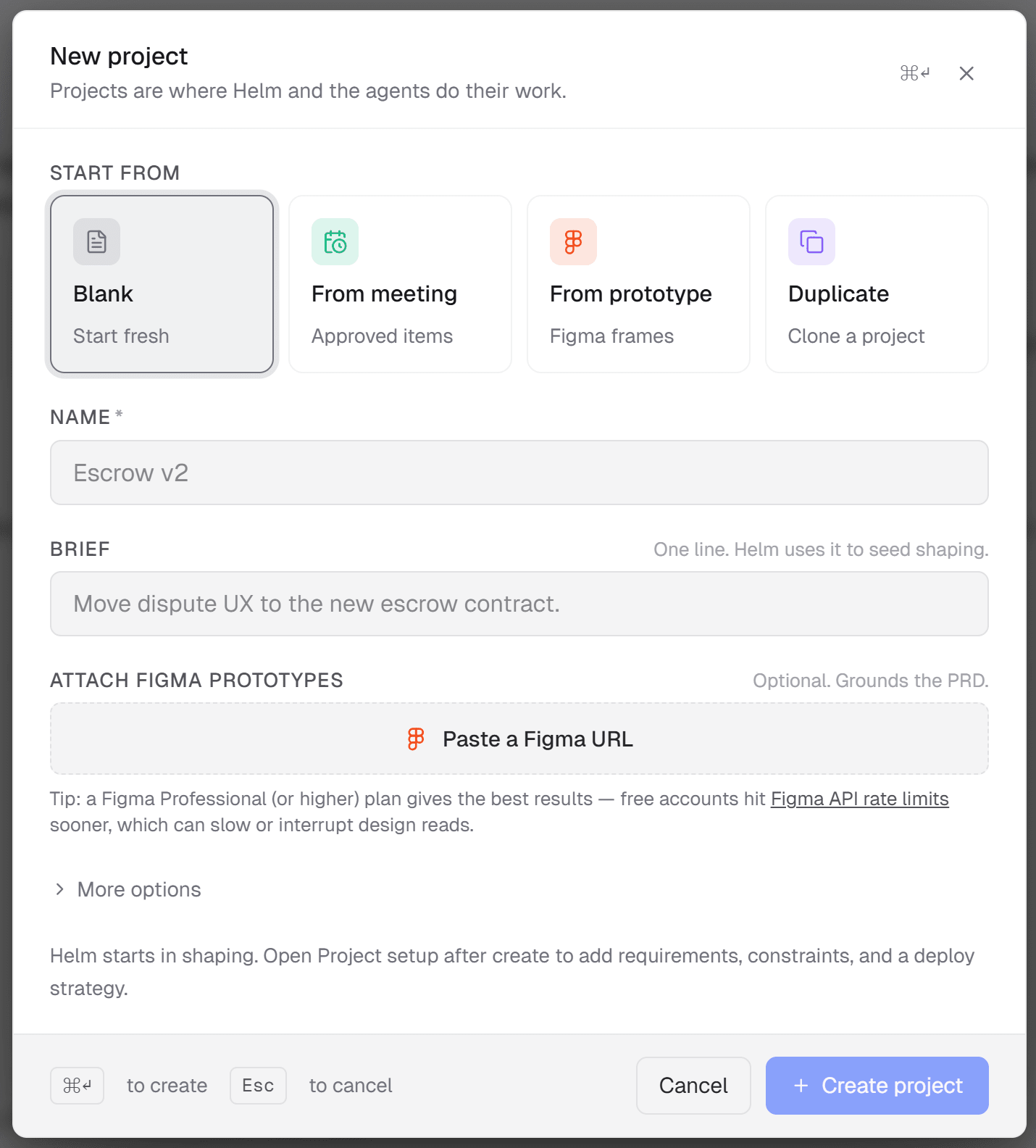
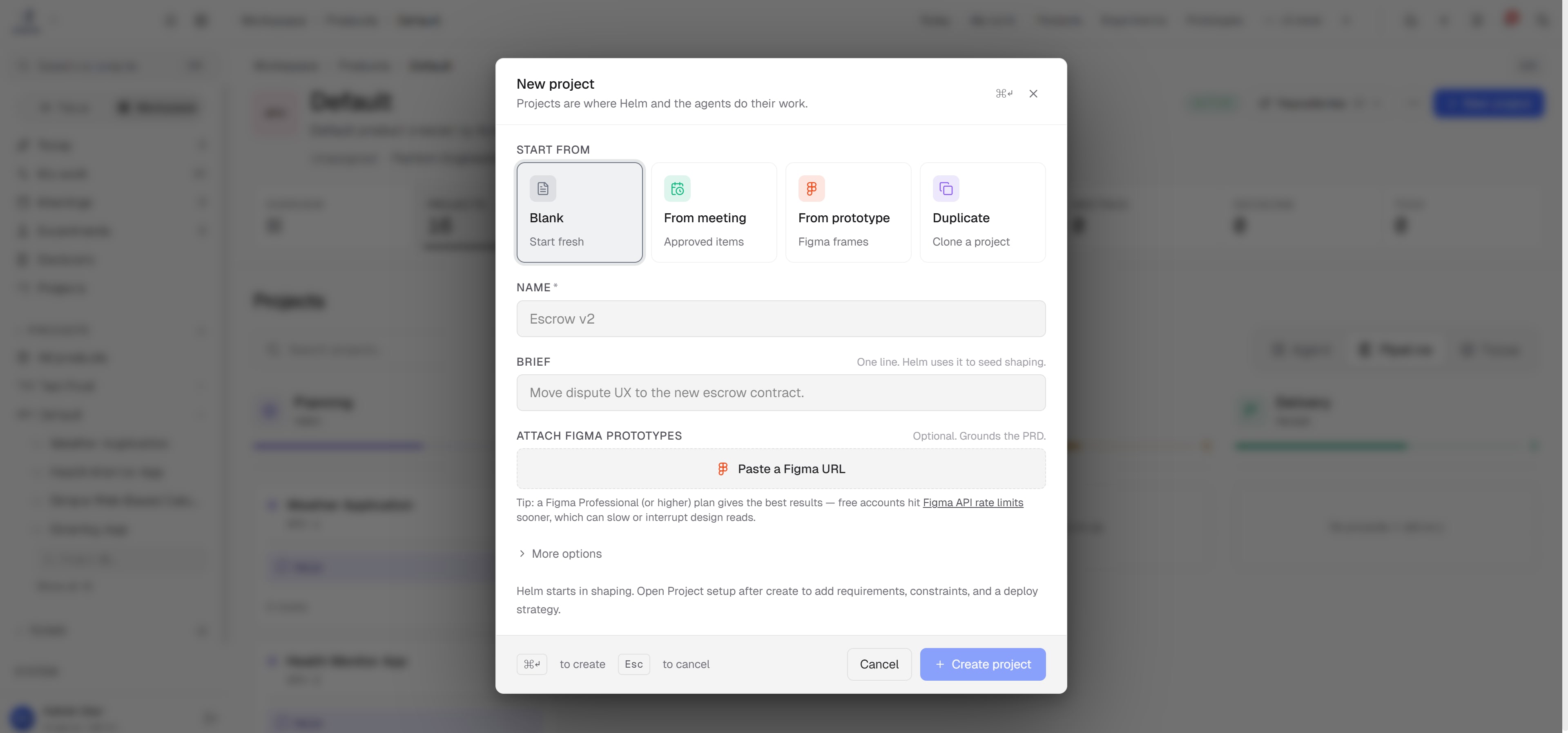
Drop a meeting recording, a Slack thread, a one-line ask, or an existing PRD draft. Arvad pulls the signal and structures it against your team’s templates, ready to become a real spec.
4–6h
Hours saved per mid-size feature
Writing collapses into review of a generated draft.
100%
Comments become tracked items
No silent Docs comments.
1
One source drives the build
Other tools stay readable; one place starts engineering.
0
Stakeholders stay in Docs
They comment in Google Docs while you stay in code.
Limits stated plainly. No demo theater.
One question
If you cannot, you still have a chat log. Arvad keeps that work in one workspace.
Keep exploring
Stakeholders comment in Docs. Generation stays in the same workspace as the build.